















Gaming PC Guyana: Components, Budget and Buying Guide

Author: Craig Sullivan, PC Shack Guyana. Last reviewed: 27 August 2026.
A gaming PC should be planned around the games you play, the display you use and the performance you expect. Spending heavily on one component while restricting another can produce a system that costs more without delivering balanced results. This guide explains the main decisions for a gaming PC in Guyana and provides a checklist for discussing a new build or upgrade.
Define the target before choosing parts
Start with the game names, resolution, image-quality target and frame-rate target. Competitive games at 1080p and a high refresh rate can place different demands on the system from visually detailed games at 1440p or 4K. Also identify non-gaming tasks such as streaming, video editing, schoolwork or engineering applications.
The monitor is part of the performance target. Record its resolution, refresh rate and available inputs. A graphics card that produces more frames than the monitor can display may offer limited visible benefit, while a high-resolution monitor can require substantially more graphics performance.
Balance the processor and graphics card
The graphics card usually has the strongest effect on visual quality and frame rate in graphically demanding games. The processor handles game logic, background tasks and the work needed to supply frames to the graphics card. The correct balance depends on the games and target resolution.
Compare exact model numbers rather than broad labels. Also check independent tests for the specific games you intend to play. A benchmark average should be read with its test resolution, quality settings, processor, memory and driver version because changing those conditions can change the result.
Choose enough memory for the full workload
For many current gaming builds, 16 GB is a practical starting point and 32 GB provides more space for demanding games, streaming tools and several applications at once. This is not a universal rule. Check the recommended requirement for your games and professional applications.
Use a matched memory kit supported by the motherboard. Confirm the number of occupied slots, rated speed and whether the motherboard and processor can operate at that profile. Leaving suitable slots available can make a later upgrade simpler.
Use solid-state storage and plan capacity
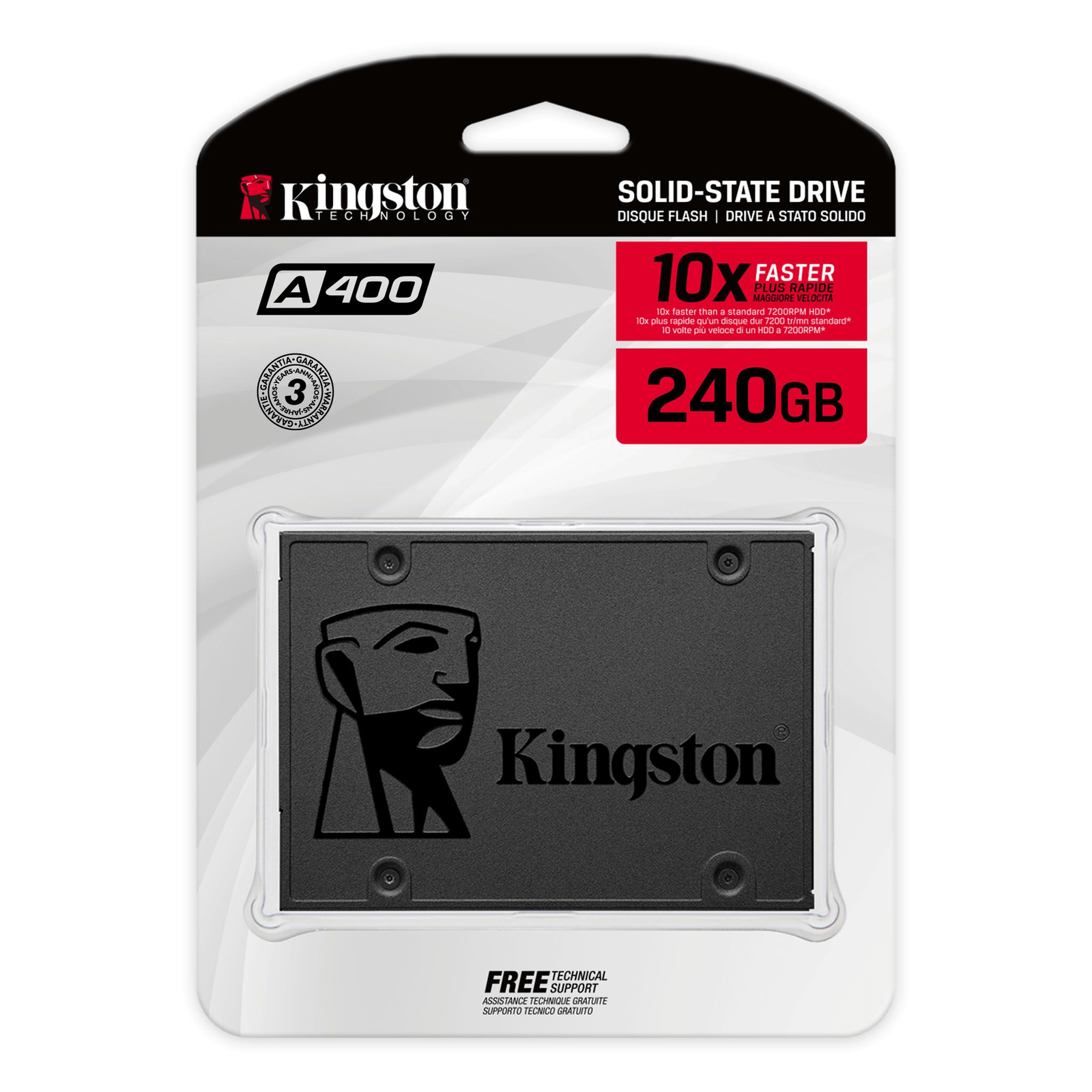
An SSD improves startup, loading and file access compared with a mechanical hard drive. Capacity matters because modern games, updates, recordings and creative files can consume substantial space. Keep free capacity for updates and normal drive operation rather than planning to fill the drive completely.
Check whether the motherboard accepts SATA or NVMe storage, the supported physical size and the available interface generation. A faster specification is useful only when the platform and workload can use it. PC Shack lists current components in its PCs and PC parts section.
Select the motherboard for compatibility and expansion
The motherboard must support the processor socket, processor generation, memory type, case size and storage interfaces. Also check the number of expansion slots, fan headers, USB ports, network connection and firmware support. If wireless networking is needed, confirm whether Wi-Fi and Bluetooth are built in or require an adapter.
Plan future upgrades realistically. Paying for expansion features you will not use can divert budget from performance. However, a platform with no suitable memory, storage or processor upgrade path can increase the cost of the next change.
Do not treat the power supply as an afterthought
The power supply must provide suitable continuous output, connectors and headroom for the complete system. Use the graphics-card and processor manufacturers’ guidance as a starting point, then account for the rest of the build. Quality also depends on internal design, electrical protection, operating temperature and warranty, not only the wattage printed on the label.
Confirm that the unit has the exact connectors required by the graphics card and motherboard. Avoid adapters that are not approved for the equipment. If power interruptions or voltage events are a concern, discuss surge protection and a correctly sized UPS as a separate part of the setup.
Plan cooling for the room and the case
Heat affects component boost behaviour, fan noise and long-term reliability. A suitable case needs clear air intake, exhaust paths and enough clearance for the graphics card and processor cooler. Cable placement should not obstruct fans.
Guyana’s warm conditions make room temperature and dust control practical considerations. Keep the computer away from blocked corners, direct moisture and heavy dust. Clean filters according to the case and component instructions. More fans are not automatically better if their direction produces poor airflow.
Include the monitor and peripherals in the budget
A complete budget can include the monitor, keyboard, mouse, headset, controller, operating system, network equipment and backup power. Check monitor panel type, resolution, refresh rate, adaptive-sync support and input compatibility. For online gaming, also consider the reliability and latency of the network connection.
Use a staged budget
- Set the maximum complete budget, including the display and required accessories.
- Define the games, resolution and frame-rate target.
- Allocate the largest performance share to the parts that affect that target.
- Reserve enough for a suitable power supply, cooling and case.
- Check every part against one compatibility list before ordering.
- Record the model, warranty and price of each item.
Ask for a component-level quotation
A useful quotation identifies each exact component rather than describing the system only as a “gaming PC”. Ask for the processor, graphics card, motherboard, memory kit, storage, power supply, case, cooling and software details. Also confirm assembly, testing, warranty and delivery terms.
Browse available PC parts or contact PC Shack with your game list, monitor specification and total budget. For setup, fault diagnosis or network assistance, review the available IT services in Guyana.